


Back

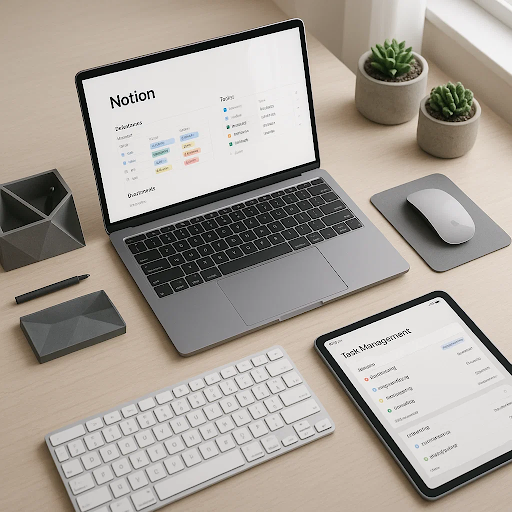
Notion offers incredible flexibility, but that freedom often leads to overcomplicated setups that create more confusion than clarity. Most people either abandon Notion after a few weeks of frustration or continue using it inefficiently, never unlocking its true potential as a comprehensive productivity system. This guide eliminates the guesswork by providing a proven framework for building a Notion workspace that genuinely enhances your productivity rather than becoming another digital distraction.

Inside, you’ll discover how to architect your Notion hub using core principles that prevent bloat while maximizing functionality. The guide covers everything from foundational database design and relational properties to advanced automation using formulas and linked databases. You’ll learn to create integrated systems where your task manager talks to your project tracker, your content calendar syncs with your knowledge base, and your goals dashboard provides real-time progress visualization without manual updates.

This is not about copying someone else’s aesthetic Notion setup that looks impressive but doesn’t match your actual workflow. Instead, you’ll learn to build custom systems tailored to your specific needs, whether you’re a content creator managing multiple projects, an entrepreneur running a business, a student organizing coursework, or a professional balancing career and personal development. The framework adapts to your situation while maintaining the structural integrity that makes Notion genuinely useful rather than just visually appealing.

✅ What’s Inside:

  1. Notion Fundamentals: Architecture for Productivity
  2. Core Database Design Principles
  3. Building Your Task Management System
  4. Project Tracking and Management Hub
  5. Knowledge Management and Second Brain Setup
  6. Content Planning and Creation Workspace
  7. Goal Setting and Progress Tracking Dashboard
  8. Time Blocking and Calendar Integration
  9. Meeting Notes and Action Items System
  10. Resource Library and Reference Management
  11. Automation with Formulas and Relations
  12. Templates for Quick Wins and Consistency
  13. Mobile Workflow Optimization
  14. Maintenance and Evolution Strate